Creating a Business Security Plan: A Step-by-Step Guide
Building a business security plan is a structured process that helps a small business identify what it needs to protect, understand the risks it faces, and document practical measures that can be reviewed and adjusted over time. The plan itself is less a single document than an ongoing framework that connects physical safeguards, operational routines, and employee awareness into a coherent whole. For small businesses with limited resources, this framework matters especially because security decisions tend to be made under budget constraints, making prioritization an essential part of planning.
This guide walks through the core stages of developing a security plan: conducting a risk assessment, planning camera placement, applying access restrictions, and organizing employee training. Each stage builds on the previous one, forming a logical sequence in which information gathered in one phase informs decisions in the next. Throughout, the emphasis is on methodology and transparency, so that the reasoning behind each measure remains visible and can be revisited as circumstances change.
It is important to note from the outset that a security plan describes a process and a set of practices. What results from implementing such a plan depends on many factors, including the nature of the business, the physical location, the surrounding environment, and how consistently procedures are followed. The sections below outline approaches rather than outcomes, and they are intended to support, not replace, professional security and legal guidance where appropriate.
Conducting a Risk Assessment
Risk assessment is the foundation of any security plan. Its purpose is to create an organized picture of what the business owns of value, where vulnerabilities exist, and which threats are plausible given the business’s context. Rather than starting with products or technologies, a risk assessment starts with assets: inventory, equipment, cash handling procedures, customer data, physical records, and of course the people who work on site. For each asset, the assessment considers how it could be affected and what the consequences might look like if it were lost, damaged, or accessed without authorization.
A practical risk assessment typically follows a structured sequence. Many small businesses find it helpful to walk through the following steps, adapting the level of detail to their size and complexity:
- List the assets that the business depends on, including physical property, information, and personnel.
- Identify vulnerabilities such as unlocked storage areas, poor lighting, unclear entry points, or shared credentials.
- Review relevant history, including past incidents, near misses, and observations from staff.
- Consider external context such as neighborhood conditions, seasonal patterns, and typical occupancy hours.
- Rate each combination of threat and vulnerability using a simple scale that reflects likelihood and impact.
The output of this process is not a single number but a prioritized list of areas that warrant attention. That list becomes the reference point for the rest of the security plan, helping to allocate attention and budget where they are most needed. It is also worth documenting the reasoning behind each rating, because priorities shift as the business changes, and a documented rationale makes future revisions more consistent.
Risk assessment is not a one-time event. Businesses change layouts, add services, hire staff, and adjust their hours. Each of these changes can shift the risk picture. Scheduling a periodic review, whether quarterly or annually, keeps the assessment aligned with current conditions. Involving multiple perspectives, from operations to front-line staff, tends to produce a more complete picture than a review conducted by a single person.
Planning Camera Placement
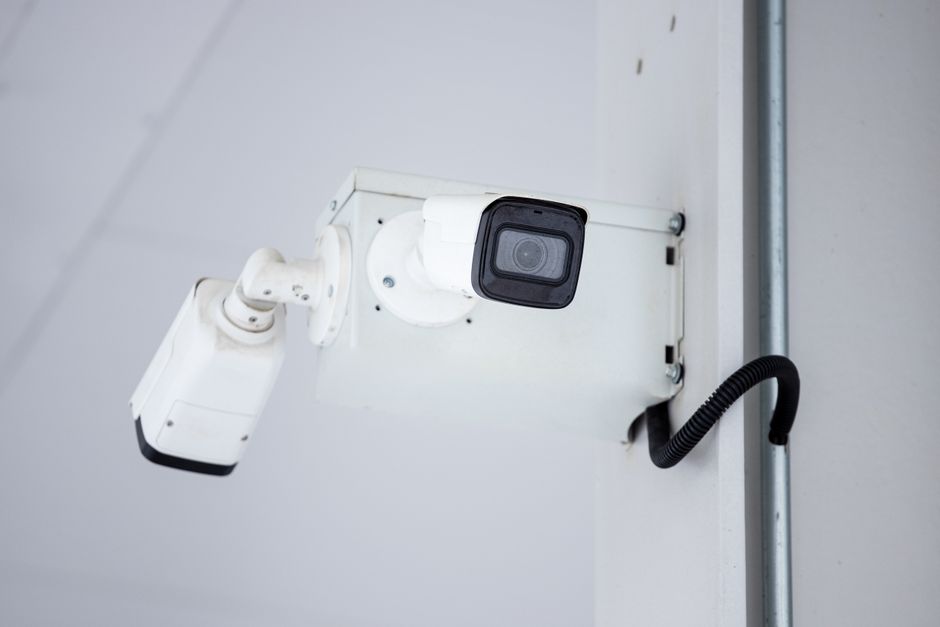
Camera systems are among the most visible security measures a small business can adopt, but their usefulness depends heavily on thoughtful placement. The common mistake is to begin with the equipment rather than the purpose. A more effective approach starts by identifying what each camera is intended to observe and what the recorded footage should help the business accomplish, whether that is verifying activity at an entrance, monitoring a cash handling area, or documenting conditions in a storage room.
Placement decisions should follow the priorities established during the risk assessment. Entry and exit points are usually the first candidates, because they capture the movement of people in and out of the premises. From there, a plan might cover high-value areas, such as stockrooms or cash registers, and areas where activity is difficult to supervise directly. Each placement decision can be documented alongside its intended purpose, creating a record that supports later review of whether the system is meeting its objectives.
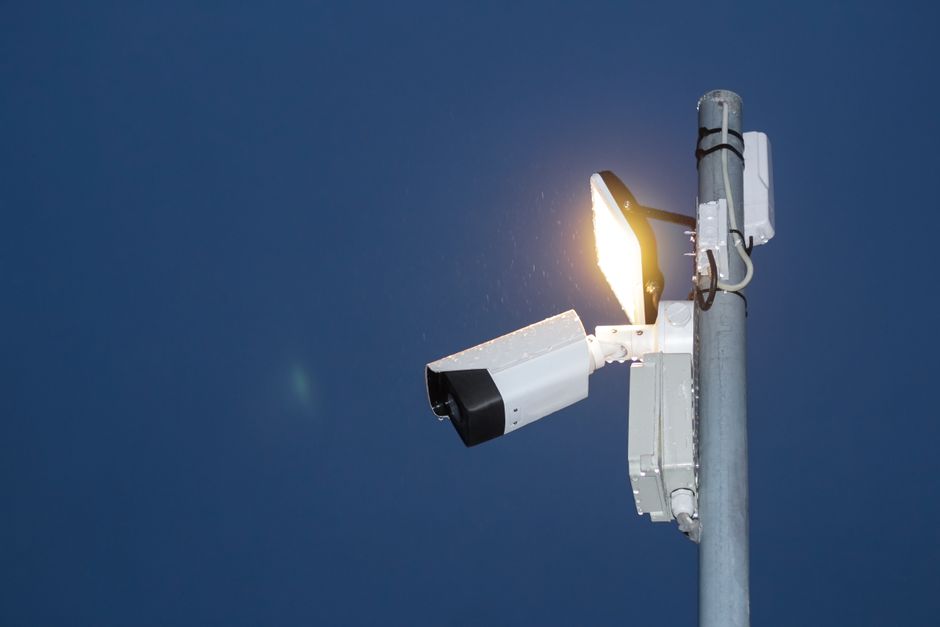
Several practical considerations shape effective placement. Viewing angles should account for lighting conditions, which may change between day and night. Cameras pointed toward windows or direct sunlight may capture glare rather than detail, and low-light areas may require different equipment choices. Height and orientation matter as well; a camera mounted too high may capture the tops of heads rather than faces. For each position, it is useful to ask whether the camera captures what is needed for the stated purpose and whether anything nearby, such as shelving or signage, obstructs the view.
Privacy and legal considerations form part of the planning process. In the United States, expectations of privacy vary by jurisdiction, and certain areas, such as restrooms, changing rooms, and break areas, require particular care. Understanding applicable state and local requirements is part of responsible planning, and consulting legal guidance before installation supports sound decisions. Finally, a camera system involves ongoing management: who reviews footage, how long it is retained, who can access it, and how it is stored securely. These questions are best answered before installation, so that the system operates within a defined framework from the beginning.
Applying Access Restrictions
Access restrictions determine who can enter which areas and under what conditions. For a small business, this is often the most cost-effective layer of security, because it relies more on policy and physical adjustments than on expensive technology. The starting point is to map the premises into zones based on sensitivity: areas open to customers, areas accessible to all employees, and restricted areas such as offices, storage rooms, or rooms holding equipment or records. Each zone can then be matched with appropriate entry rules.
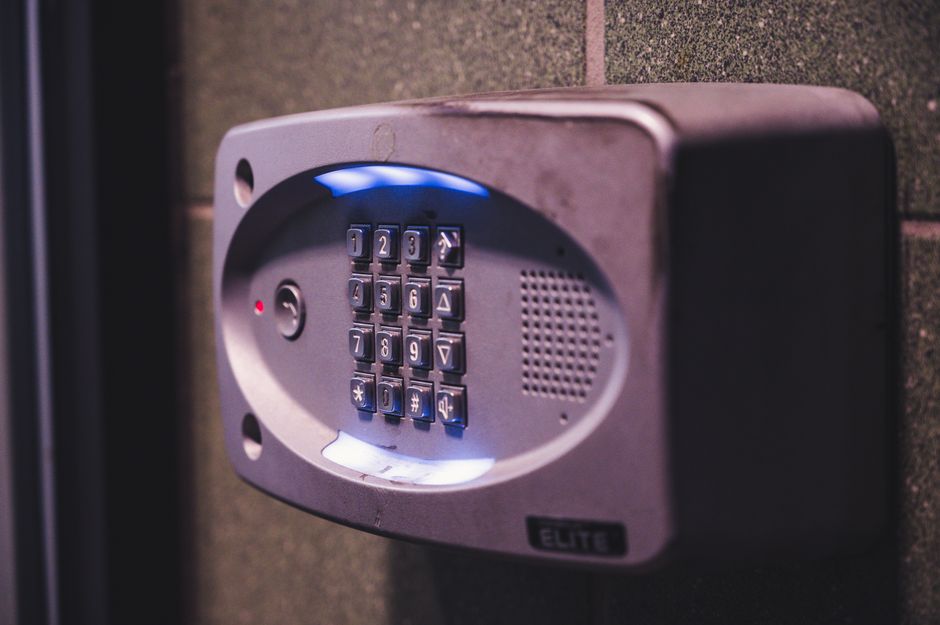
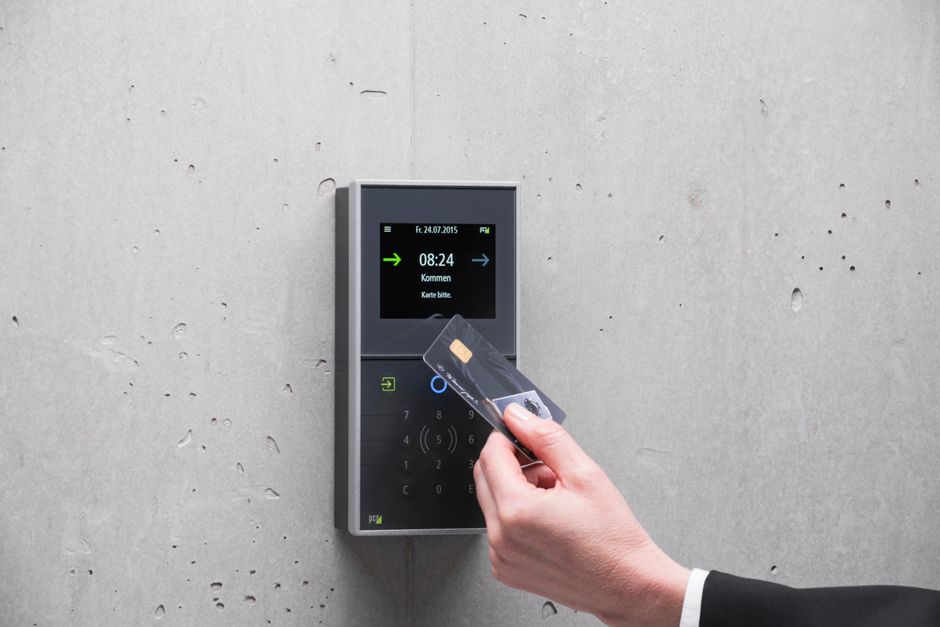
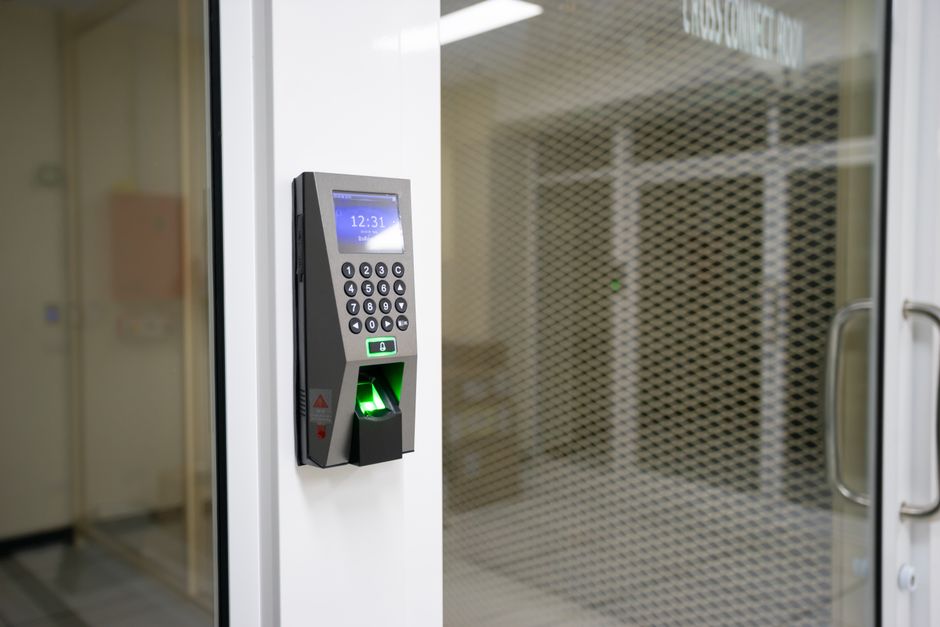
Common approaches to access restriction include key management, where physical keys are issued with a documented log and returned when no longer needed; electronic access control, where badges or codes create a record of entries; and procedural controls, such as requiring that visitors be accompanied in certain areas. Physical measures like locks, door contacts, and controlled delivery points belong to the same layer. The aim is consistency between what the policy states and what the physical environment actually enforces, since a policy that is not reflected in the space tends to erode over time.
Reviewing access rights regularly is part of maintaining this layer. Staff turnover, new hires, and role changes all affect who needs access to which areas, and outdated permissions can persist quietly unless someone reviews them. A simple schedule of periodic reviews, together with a documented list of who holds keys or credentials, keeps the system transparent. Maintaining a log of access changes also supports accountability, since it shows when and why permissions were adjusted.
Access restrictions also extend to information and systems, not just physical spaces. Shared passwords, unattended computers, and unsecured documents create exposure that may not be visible during a walkthrough. Including digital access in the same zone-based thinking as physical access helps unify the plan. The objective is not to eliminate access but to make it deliberate, so that each permission has a stated purpose and a defined owner.
Organizing Employee Training
Employee training turns a written plan into everyday practice. Even well-designed cameras and access restrictions depend on people knowing what to do when something seems unusual, how to report concerns, and which procedures apply in routine situations. Training is therefore less a single session than a recurring element of the security framework, updated as new staff join and as procedures evolve.
An effective training program is built around the specific procedures the business has adopted. Rather than general reminders, it addresses concrete situations: how to verify a visitor, what to do when a door is found unlocked, how to respond to an alarm, how to handle cash at closing, and how to report a concern without hesitation. Clear procedures and clear reporting paths help staff act consistently. Written reference materials, such as short procedure summaries kept in visible locations, reinforce what is covered in training sessions.
Training also benefits from a cycle of practice and feedback. Brief walkthroughs, occasional drills, and short refresher sessions help maintain awareness over time. Inviting employees to identify procedures that are unclear or impractical can reveal gaps that a management-level review might miss, since front-line staff often encounter the practical edge cases where formal procedures are tested. Documentation of training attendance and topics creates a record that supports continuity when staff change, and it provides a basis for refining the program.
Beyond procedures, training can address awareness of the reasoning behind security measures. When staff understand why a door is locked or a certain area is restricted, compliance is more likely to be consistent. Framing training as part of everyday operations, rather than as a separate obligation, helps sustain attention over the long term.
Reviewing and Maintaining the Plan
A security plan remains useful when it is reviewed and updated. Circumstances change, systems age, staff turnover, and new risks appear, so the plan needs a maintenance rhythm. A regular review, combined with documentation of incidents and adjustments, gives the business a basis for informed revision. Platforms and services such as Sentinel Watch are sometimes part of a broader monitoring approach, and where such tools are used, their role can be documented alongside the rest of the plan, including what they cover and what remains within the business’s own procedures.
A practical maintenance routine often includes a scheduled review of the risk assessment, an inventory check of keys and credentials, a test of camera views and recording, and a refresher on training topics. Each element can be recorded as completed, creating a simple history that supports continuity regardless of who manages the plan. Keeping records straightforward and accessible makes the plan easier to use and easier to improve.
The overall framework is deliberate and adaptable: assess risks, place cameras with purpose, restrict access consistently, train staff in specific procedures, and review the whole on a regular schedule. Each layer reinforces the others, and each depends on context. A plan built this way provides a transparent, documented basis for decisions, which can be adjusted as the business and its environment evolve.